
Product ad
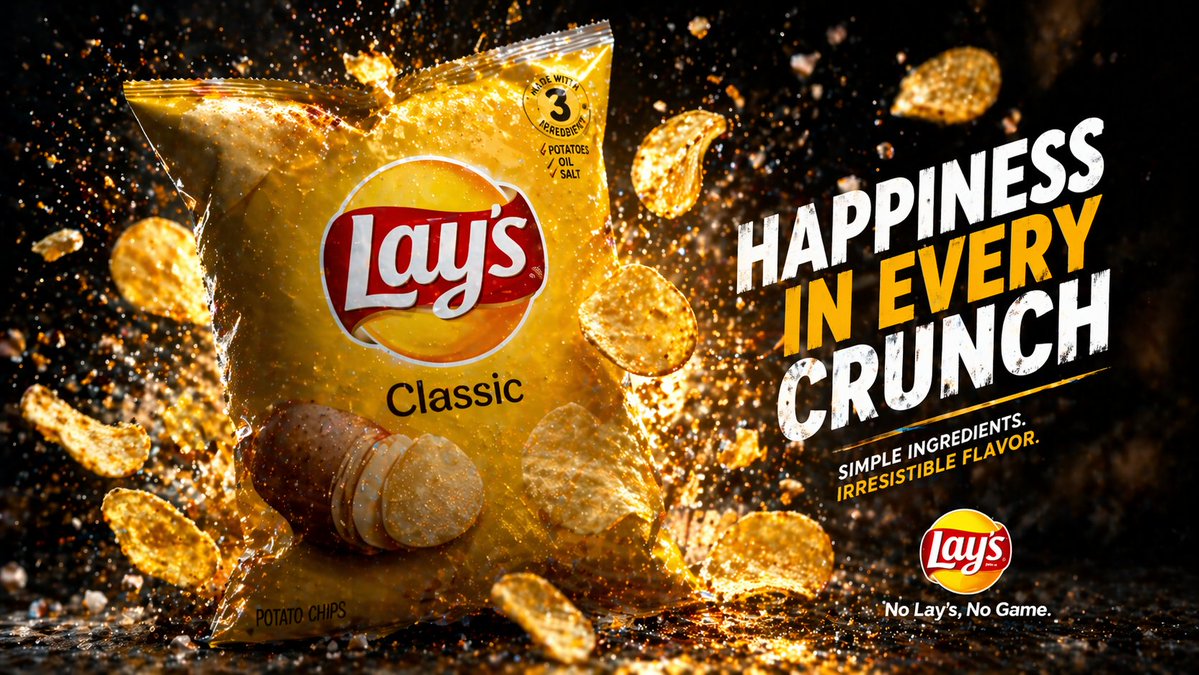
Cinematic snack campaign
Cinematic potato chips hero image, glossy pack shot, flying crunch details, dramatic studio light, e-commerce-ready 16:9 layout
Create GPT image assets free online with GPT Image 2. Use the GPT Image 2 generator for product visuals, posters,
UI mockups, ads, reference-based GPT image edits, and GPT Image 2 text rendering with stronger prompt accuracy.
See how GPT Image 2 supports product ads, character action, stylized edits, commerce mockups, infographics, and typography-heavy visual work.
Cinematic potato chips hero image, glossy pack shot, flying crunch details, dramatic studio light, e-commerce-ready 16:9 layout
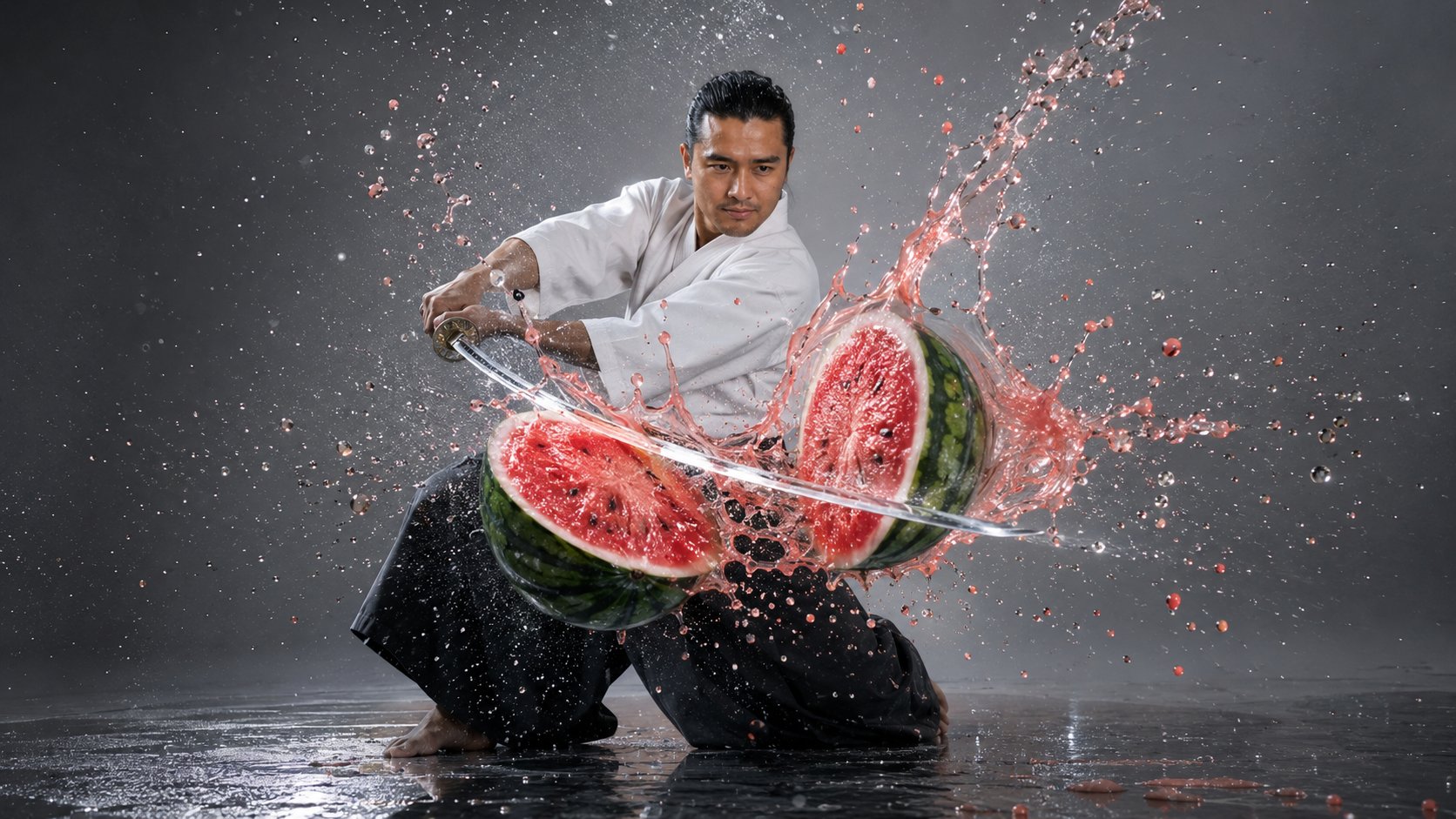
Premium athletic action scene, blade slicing a watermelon mid-air, frozen splash particles, high-contrast studio lighting, sharp motion
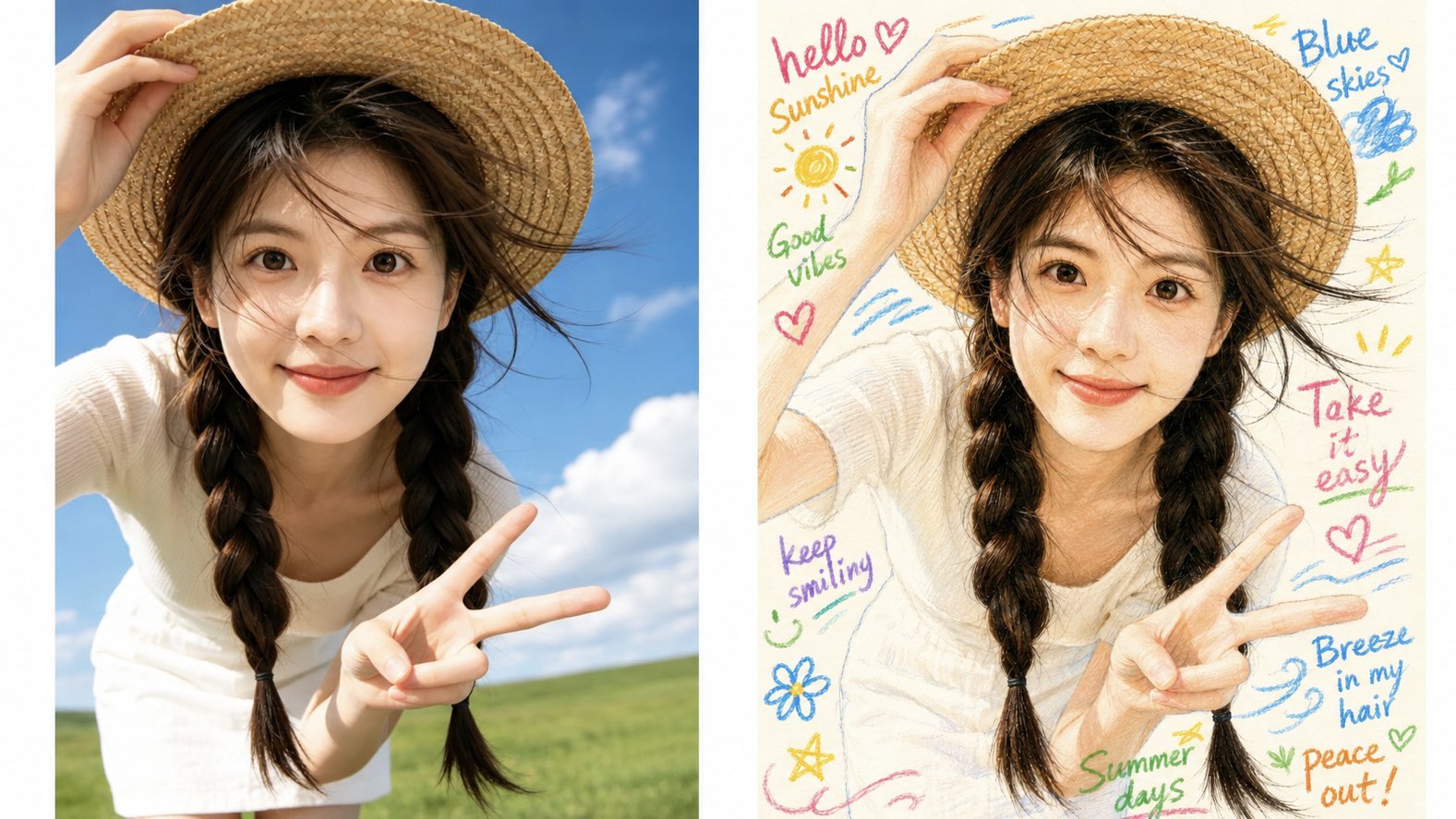
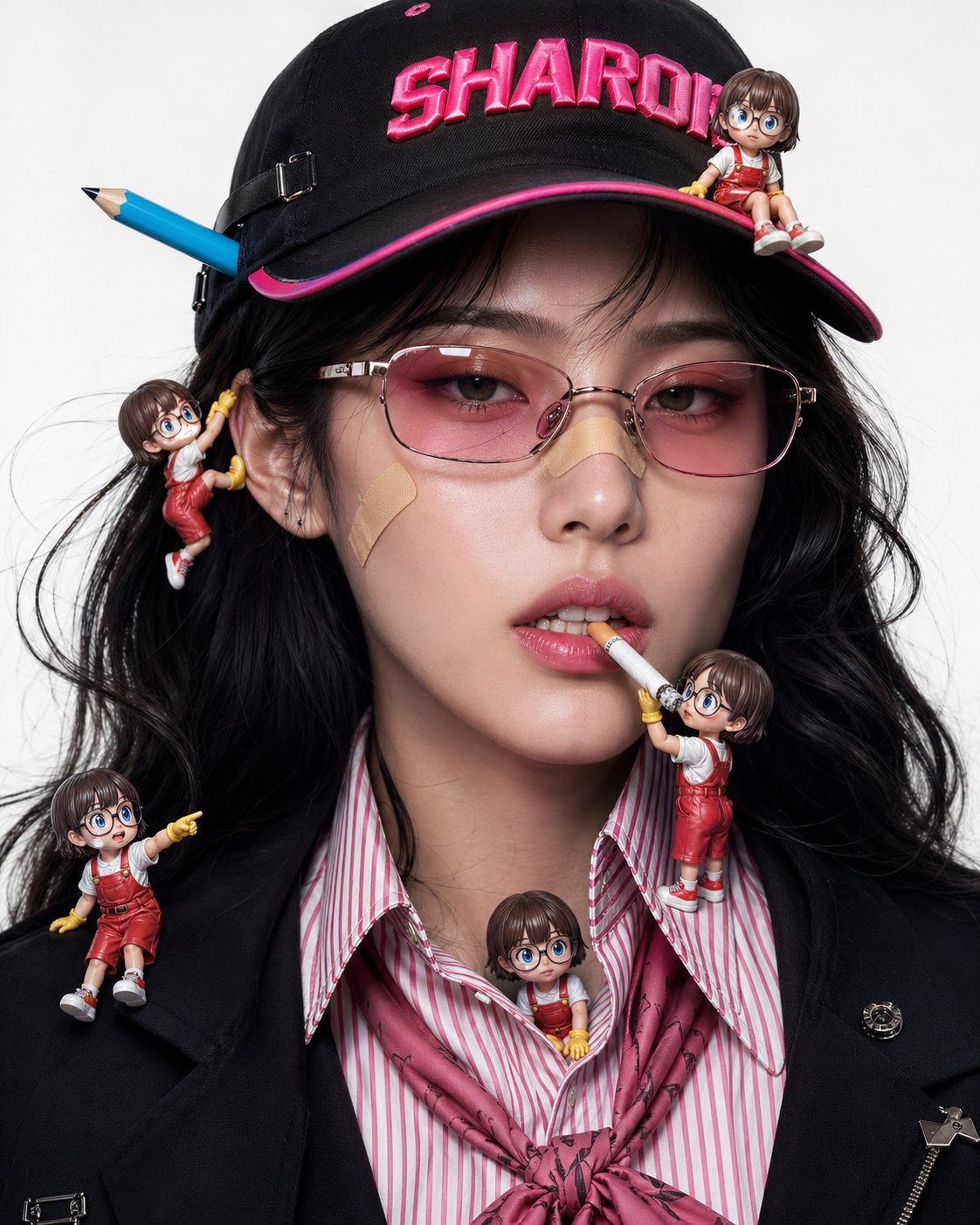
Turn a reference portrait into a soft colored-pencil illustration while preserving face identity, hairstyle, expression, and hand-drawn texture
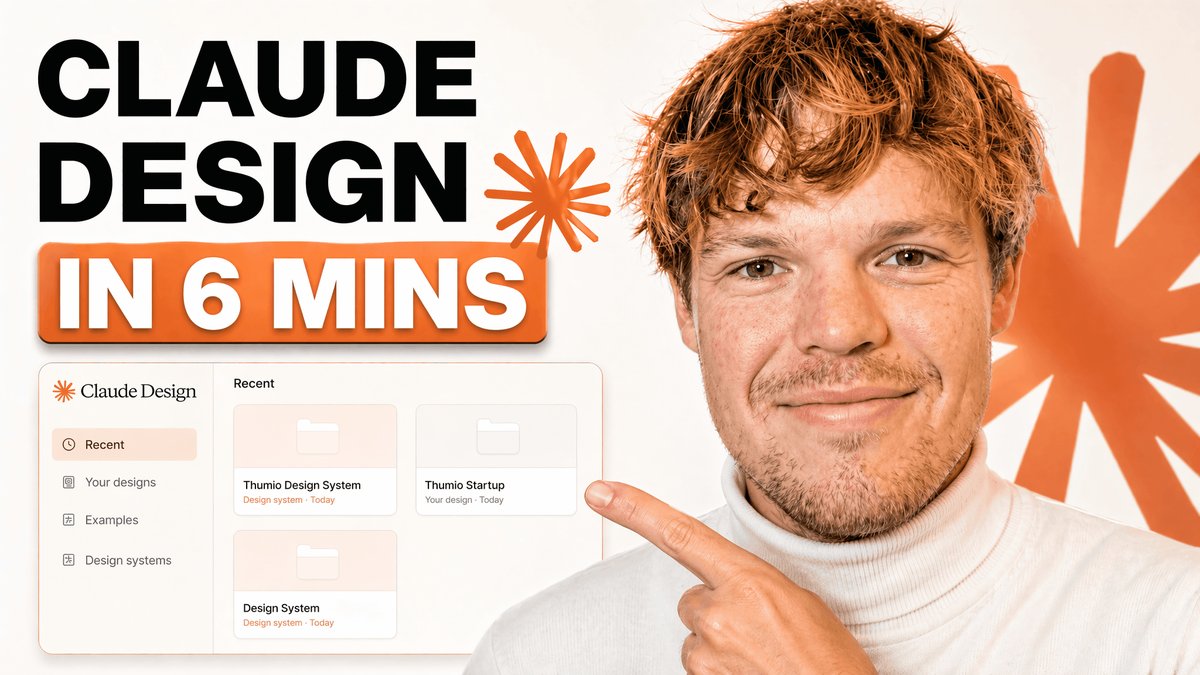
Clean tech tutorial thumbnail with bold readable type, UI mockup panels, bright commercial composition, and a clear click target
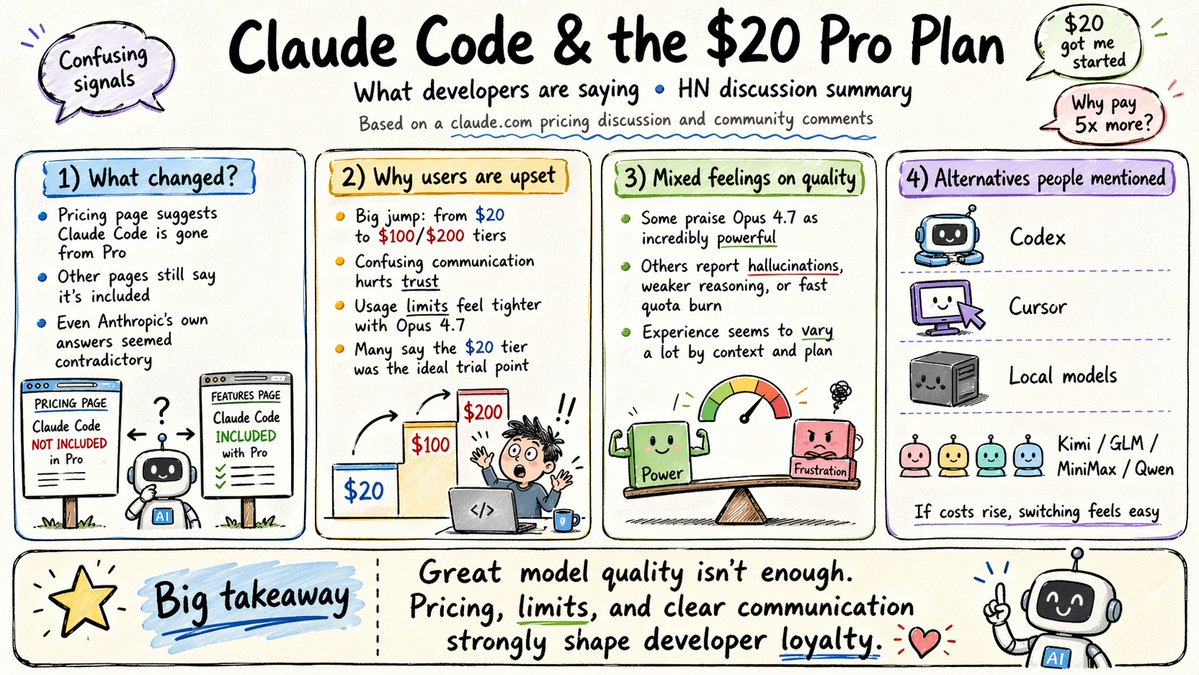
16:9 cartoon-style infographic with readable labels, simplified concept blocks, hand-drawn icons, friendly color, and clean visual hierarchy
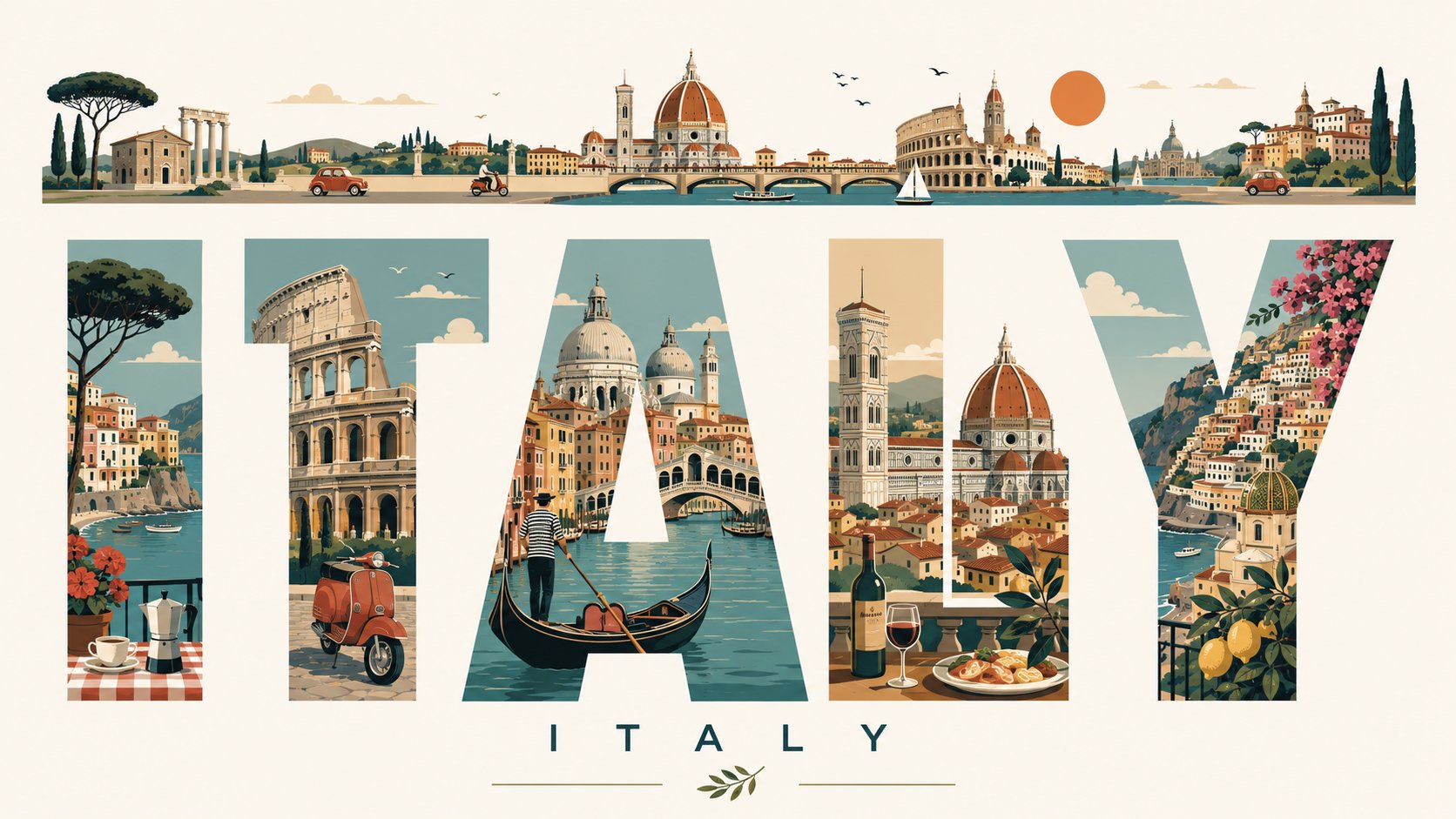
Swiss modernist travel poster with giant readable city letters, landmark illustrations inside each letter, precise grid, premium editorial finish
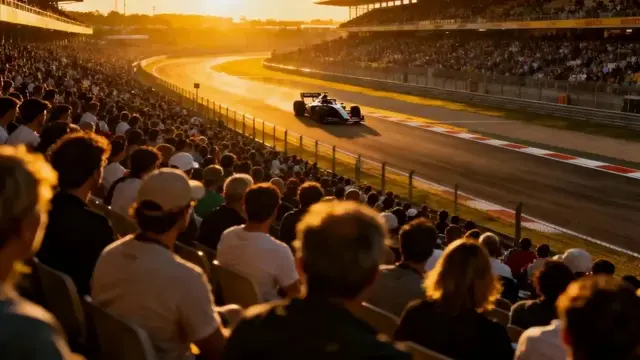
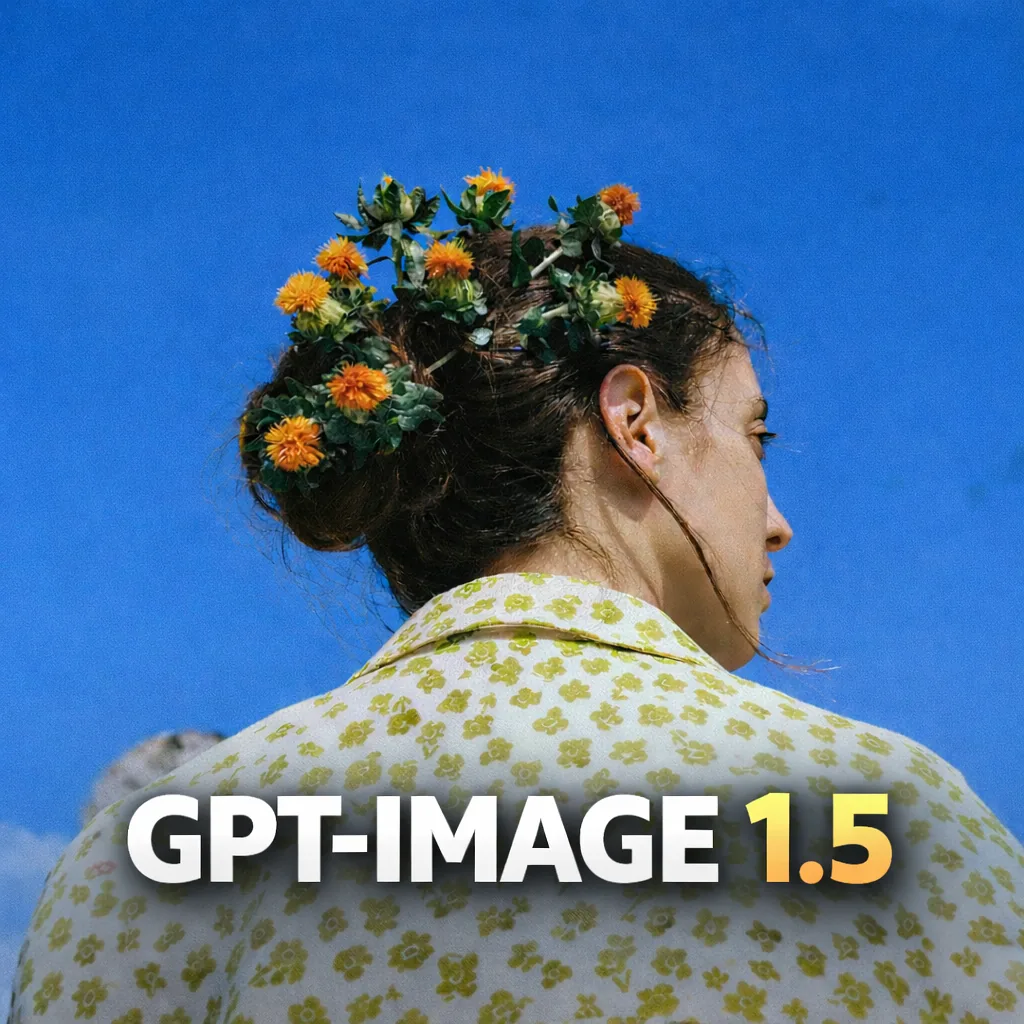
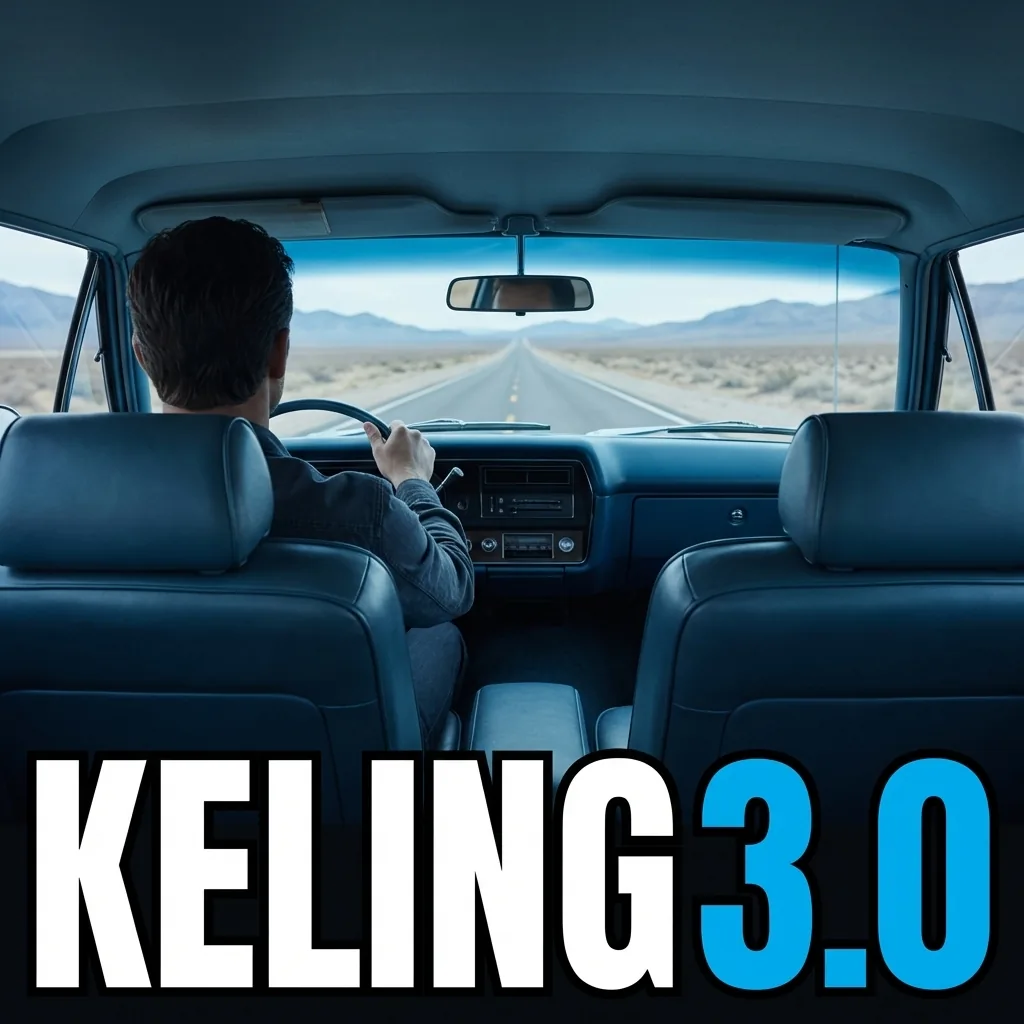
Compare different image and video models across still image generation, realism, text rendering, dynamic shots, character motion, and narrative continuity.
Core Advantage
GPT Image 2 is built for image-first production: prompt accuracy, stronger text rendering, tighter edits, and visual directions that survive review, revision, and reuse.
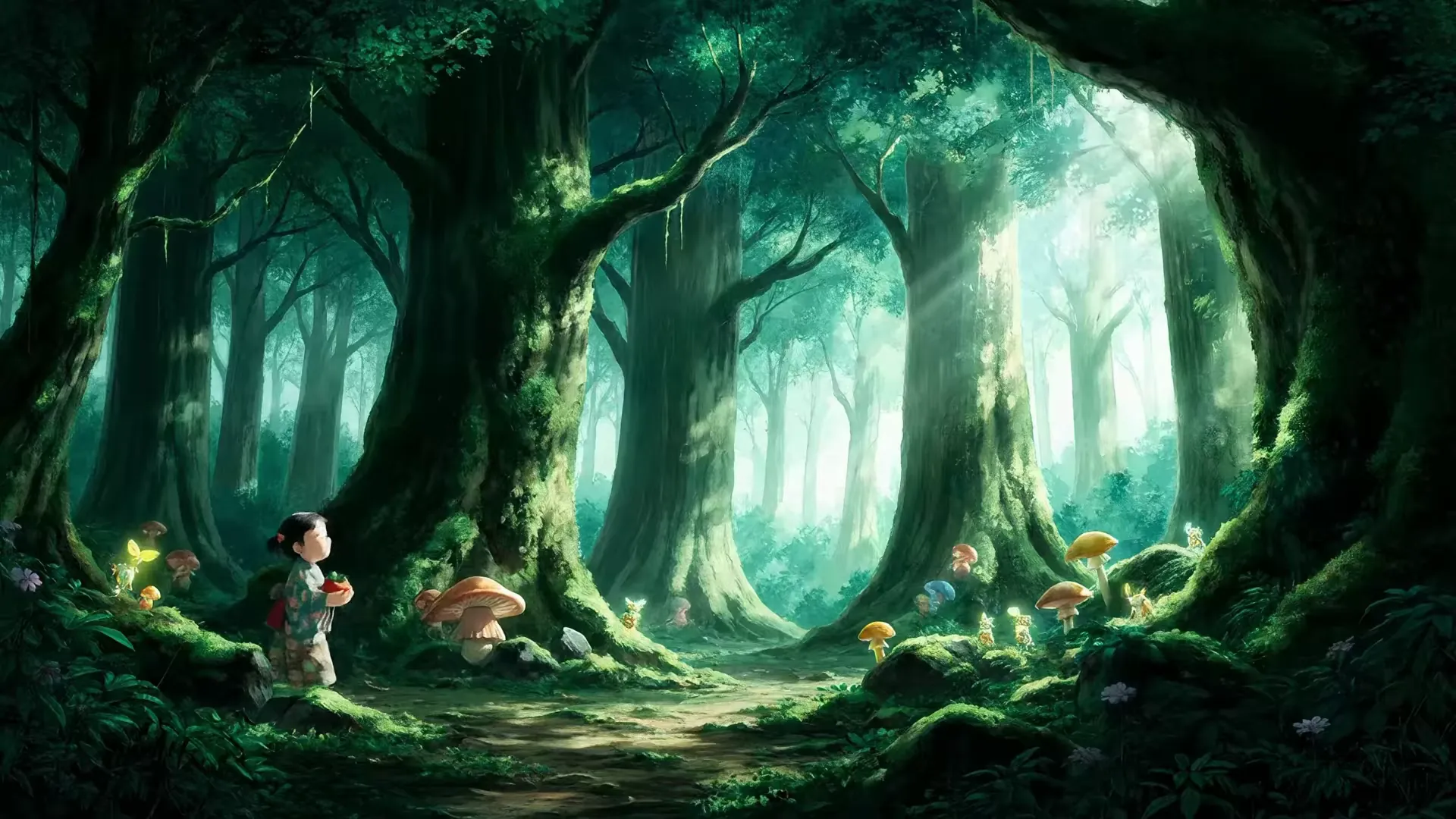
Brief Fidelity
Higher signal Brief Fidelity
Use longer, more specific instructions without losing the core subject, layout, or message that actually matters to the asset.
GPT Image 2 stands out against Nano Banana, GPT Image 1.5, and Midjourney V7 in the critical areas that make AI images easier to review, edit, and ship.
| Comparison area | GPT Image 2 | Nano Banana | GPT Image 1.5 | Midjourney V7 |
|---|---|---|---|---|
| Text clarity | Stronger for posters, labels, menus, UI mockups, ads, and other assets where readable in-image text affects approval. | Good for quick visual exploration, but text-heavy layouts usually need more cleanup. | Works for lighter drafts, with weaker confidence when exact copy must stay legible. | Excellent for visual style, but less dependable when the image must render precise words. |
| Reference fidelity | Better at preserving product cues, character details, layouts, and brand references through controlled edits. | Useful for fast reference-led variations, with looser control when the source details must stay exact. | A simpler baseline for reference edits, but less suited to dense multi-reference briefs. | Strong at reinterpreting a reference into a polished style, but less direct for exact revision work. |
| Review-ready output | Stronger fit for 2K and 4K still images that need detail, readable layout, and a cleaner path into review. | Fast for drafts and alternate looks, but less focused on final review polish. | Useful for low-risk validation before investing in higher-quality GPT Image 2 output. | Great for high-impact art direction, but less workflow-oriented for editable production assets. |
| Production strength | Best for product visuals, ad creatives, UI-style images, packaging, posters, and reference-preserving edits. | Better for fast ideation, social concepts, and lightweight alternatives from short prompts. | Better as a lower-intensity baseline for simple generation and early creative checks. | Better for cinematic style exploration, concept art, and expressive image directions. |
| Controlled iteration | Stronger when feedback is specific: keep the subject, revise the copy, change the background, or preserve the layout. | Good for fast reroutes, but less predictable when every edit needs to preserve the approved direction. | Useful for a first pass, then easier to move the winning idea into GPT Image 2 for refinement. | Powerful for generating new style routes, but not as direct for precise production revisions. |
Describe the asset, add the references that matter, and keep refining the output until the image is ready for review, delivery, or motion handoff.
State the subject, framing, materials, lighting, brand cues, and any text that needs to appear inside the asset.
Start from a prompt, a reference image, or both so the first result lands closer to the actual production brief.
Tighten layout, text, styling, and subject fidelity with targeted edits instead of rewriting the entire request.
Use the approved image for campaigns, storefronts, deck reviews, storyboards, or as the frame that guides a video generator next.
How teams use GPT Image 2 to move from the first approved image into campaign, commerce, education, and entertainment work.
Build multiple ad directions from a single brief, compare tone and hierarchy early, and send stronger visual options into review without waiting on a full design cycle.
Generate attention-grabbing imagery for launches, channel art, trailers, and editorial packaging when the hook depends on a readable, polished still frame.
Turn dense topics into cleaner diagrams, illustrative scenes, and step-by-step visuals that are easier to present, teach, and repurpose across formats.
Create product-focused hero art, lifestyle variations, comparison frames, and merchandising visuals that help teams test direction before a larger shoot.
Lock the look of a scene before moving into motion by generating concept frames, poster art, and mood references that give a story a usable visual spine.
Develop costume studies, environment moods, props, UI-style graphics, and key art variations quickly enough to support early creative decisions.
Feedback from people using image generation for commerce, design, education, and campaign production.
“
The big win is prompt fidelity. We spend less time explaining the image again and more time refining something that is already close to the brief.
“
Product visuals get review-ready faster because we can iterate on styling and packaging without rebuilding every concept from zero.
“
Readable text inside posters and promo graphics changes the conversation. The output feels closer to production design, not just inspiration.
“
We use GPTIMG2 to get to a strong first key visual, then build the rest of the launch assets around it. That alone saves us weeks.
“
It helps us approve a still frame first. Once that image is right, moving into video generators is far more efficient.
“
I can generate thumbnails, promo art, and fast variations from the same direction instead of opening separate tools for each task.
“
For launches, GPTIMG2 helps us test several visual directions before we commit to a more expensive production path.
“
Explainers are much easier when I can generate diagrams and illustrative scenes that already feel coherent enough for a lesson draft.
“
The reference-based revision workflow matters more than the initial generation. It lets us keep the approved direction intact.
“
When the team sees an actual image instead of a verbal description, alignment happens much faster. GPTIMG2 shortens that gap.
“
Character looks and environment moods are easier to compare when the same prompt structure produces a consistent family of options.
Use these GPT Image 2 answers to compare GPT Image 2 free online access, GPT Image 2 prompts, GPT Image 2 editing, GPT Image 2 text rendering, GPT Image 2 product visuals, GPT Image 2 reference images, GPT Image 2 credits, and when the GPT Image 2 generator fits a GPT image workflow. It also connects GPT Image 2 examples, GPT Image 2 prompt choices, and GPT Image 2 review decisions before you generate.
Use the GPT Image 2 generator to create the still frame, refine the details that matter, and carry that direction into the rest of the campaign or motion workflow.